Order Recommendations - New Option: Combine infoceutical orders onto one account
Follow these steps to ship multiple sets of infoceuticals to one address for clients living together:
If you are paying for the infoceuticals and having them shipped to your clients:
- Go to the Recommendations Screen for your first client's scan.
- Save their Recommendations: Click on the Recommendations PDF, choose "Letter" for the US, rename the document with the client's name, and save it.
- Place the infoceuticals in your cart: Select the "Place and Pay for the order myself" option. You should see 5 infoceuticals in your shopping cart.
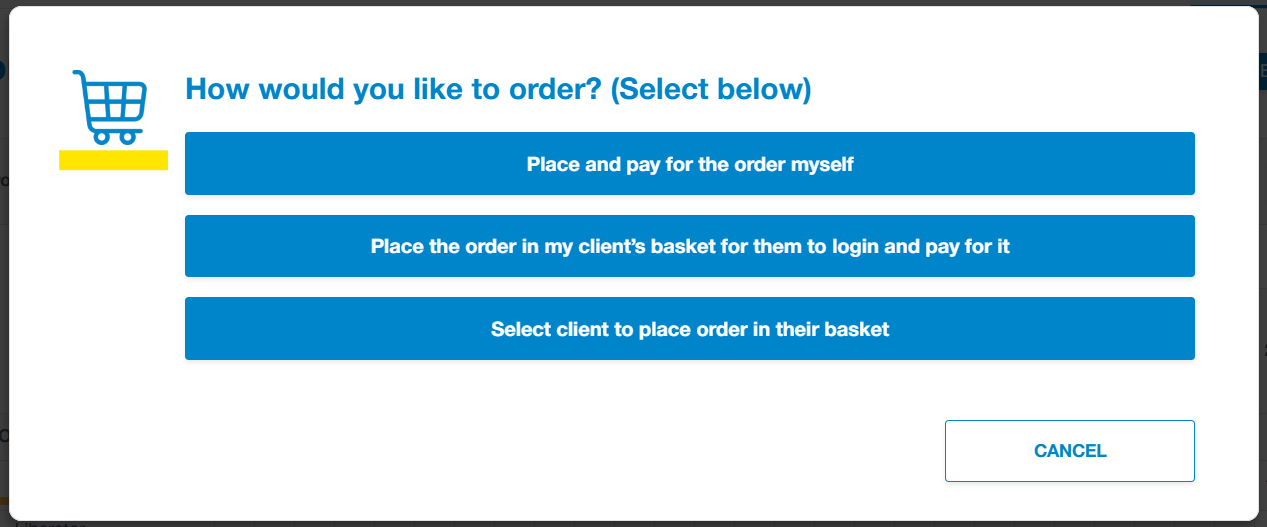
- Repeat the above steps for the next client's scan. Save the Recommendations PDF first, then place the infoceuticals in your cart.
- Check the cart content to ensure you are ordering the correct number of bottles.
- Select your client's shipping address and check out. This will send all the infoceuticals to one location, so you will pay shipping just once.
If you want to add all the infoceuticals to one client's basket for them to checkout:
- Check the client's basket before you begin: Go to clients, find the client who will place the order for the entire household, and click on Impersonate. Ensure their basket is empty. If not, remove its contents unless it contains items the client wants to buy outside of their recommendations.
- Click on Impersonation Menu > Stop Impersonating.
- Go to the head of household's scan recommendation page: Save the Recommendations PDF as explained above.
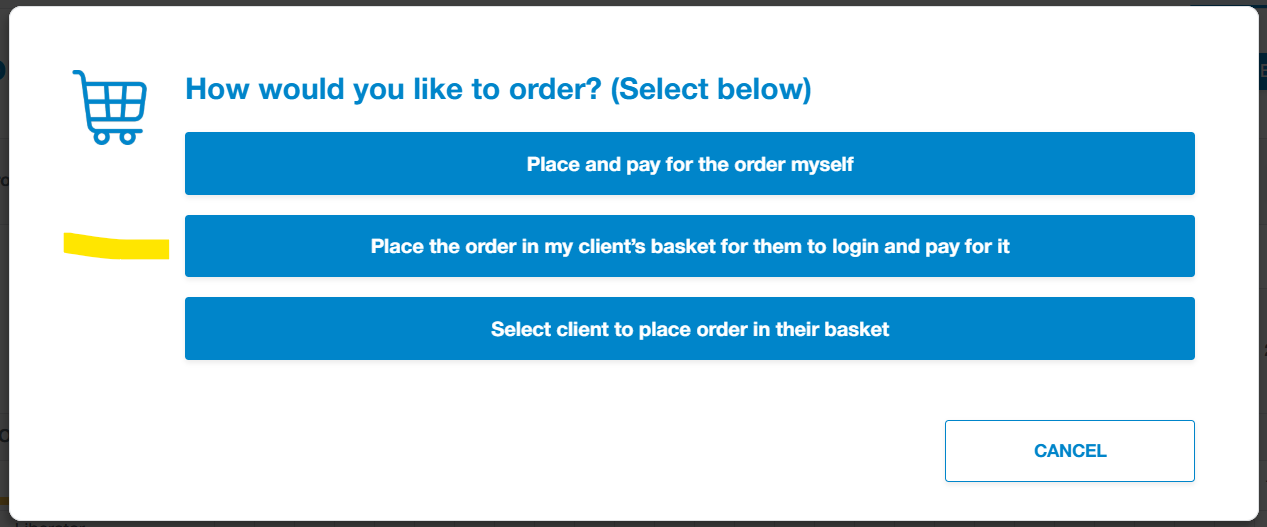
- Add the infoceuticals to your client's basket using the "place the order in my client's basket" option.
- For the other family members: Go to each person's scan recommendation page, save the Recommendations PDF, click Order Recommendations, and select: Select client to place order in their basket.
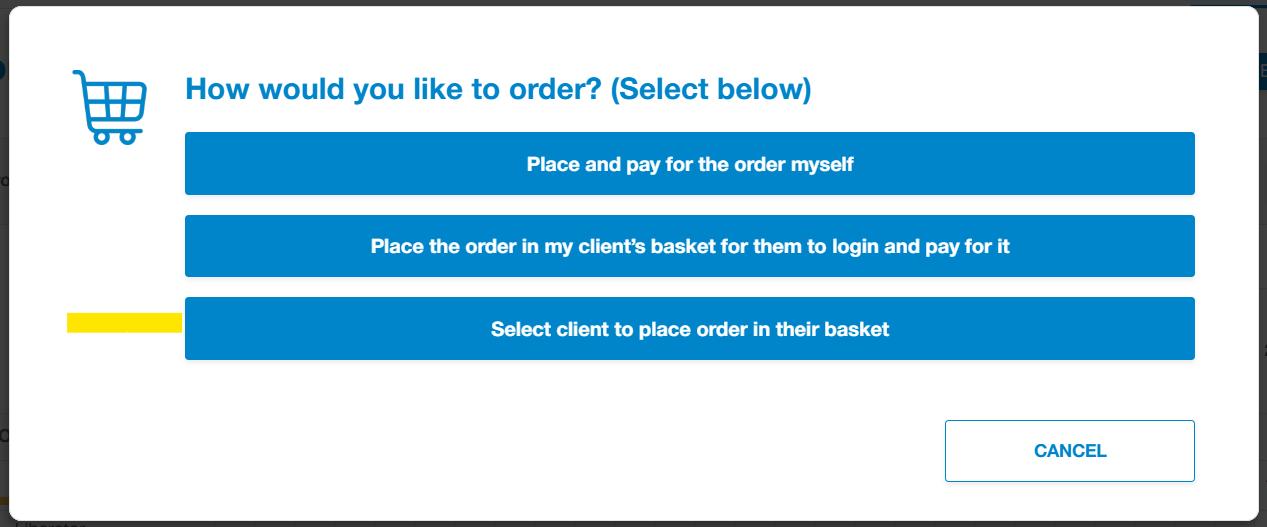
- This will open a new window displaying all of your client accounts. Find and select the head of household account - the infoceuticals will be added to the head of household's basket.
- Once completed for all household members, send your client an email with everyone's Recommendations PDF and let them know they can place their order.
Important Note for Clients with '#' in their Email
Only a main account can order Infoceuticals. If the client's email address contains a '#' symbol (like for your kids or animals), they will not be able to complete an order independently. You will not see them as an option to be selected from the client list.