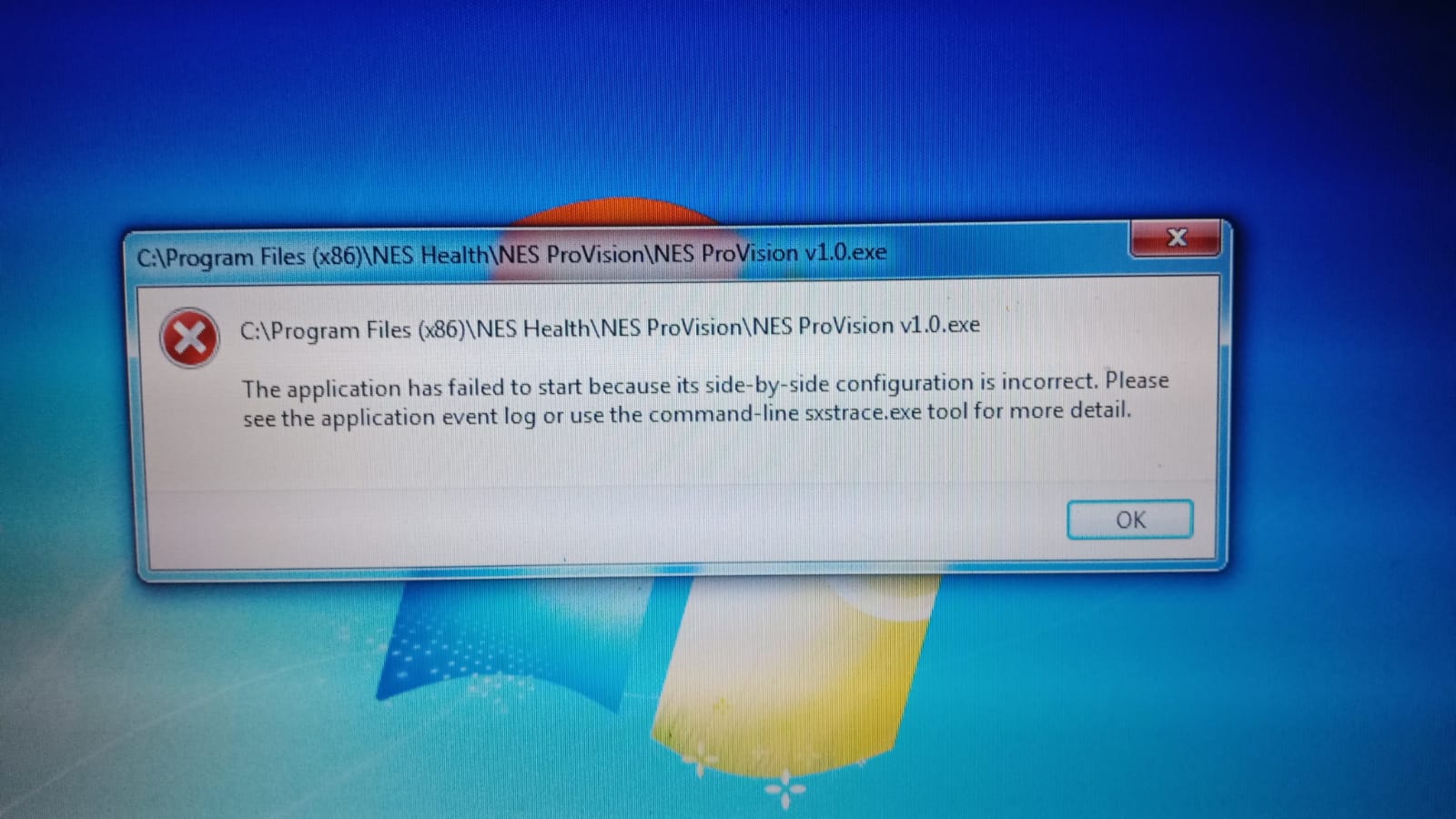
ProVision: Application has failed to start because its side-by-side configuration is incorrect
Symptoms: side-by-side configuration error, ProVision won't open, application failed to start, ProVision startup error, side-by-side configuration is incorrect, ProVision not launching, configuration file corrupted, ProVision crash on startup
Q: I'm getting a "side-by-side configuration is incorrect" error when I try to open ProVision — how do I fix it?
Q: ProVision won't start and says the application has failed to start because its side-by-side configuration is incorrect — what do I do?
Q: How do I repair the ProVision configuration file after it gets corrupted?
A:
The above/attached error occurs if the ProVision configuration file has been corrupted/deleted. Follow the steps below to download a valid configuration file:
• Download the attached file named 'NES ProVision v1.0.exe.Config' into the ProVision installation directory: C:\Program Files (x86)\NES Health\NES ProVision if prompted choose 'overwrite/replace existing file' (or similar)
• Open ProVision as normal
• Go to the Settings screen
• Ensure the settings match what you previously had (default country, sync with Portal, highest reading indicator colour etc)
• Click 'Save and Close'